
The wallet behind our payments
BIX puts crypto to work in the real world.
BIX is a self custody wallet paired with a Visa card. Your stablecoins stay in your own wallet, and the card lets you spend them anywhere Visa is accepted. It is the setup I use to accept client payments in seconds instead of waiting on a bank, and this page exists so you can look at it honestly before you decide anything.
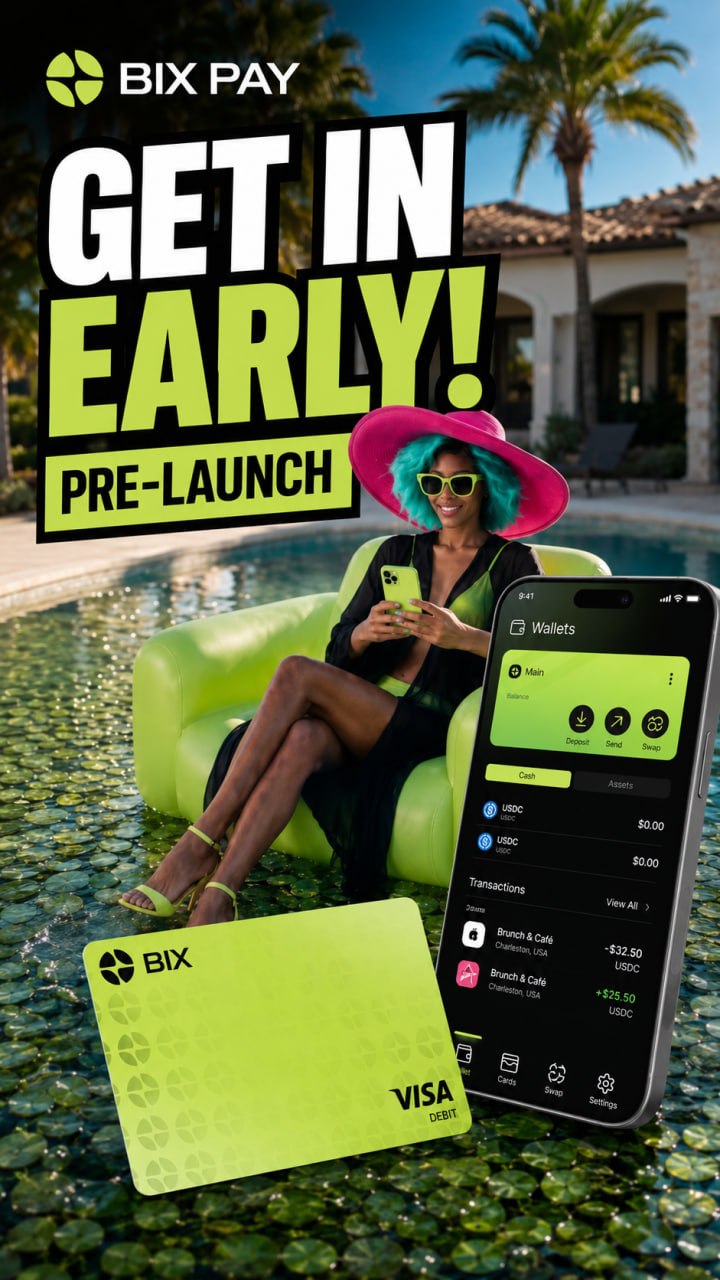
See it in motion
A short look at the card and the app.
Watch the wallet, the card and the tap to pay flow. If it looks like something you want for your own business, I will walk you through the setup and the safety habits that go with it during a consulting session.
Ask me about the setupWhat it does
Everyday spending, powered by your own wallet.
Stablecoin backed spending
USDT and USDC sit behind the card as collateral across several blockchains, so your digital assets fund everyday purchases.
Tap and go
The card adds to Apple Pay and Google Pay, so paying is the same tap you already do at the counter.
Spending you control
Monthly spend limits are configurable, subject to the card program rules.
Swaps in one place
Move between assets and chains inside the wallet instead of hopping between exchanges.
Card tiers
Virtual, physical and metal tiers, with higher spending power as you move up. Tiers beyond virtual are listed as coming soon.
Send and receive
Global transfers settle in seconds on supported networks, which is exactly how client payments reach me.
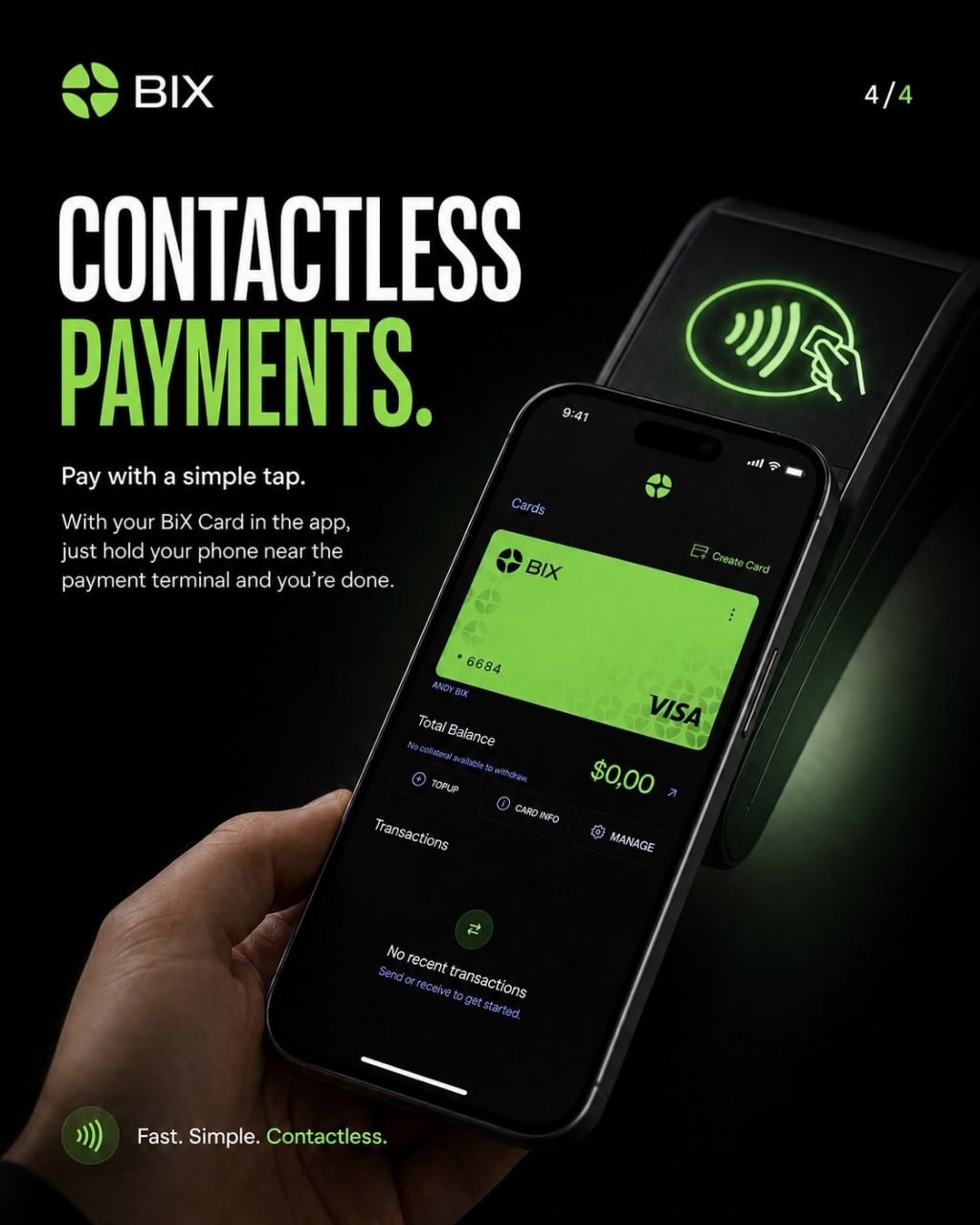
Card privileges
Visa Signature perks on the card tiers that carry them.
- Airport lounge access with a companion
- Rental car insurance included
- Travel and baggage protection
- Hotel discounts of up to 65 percent
- Access to selected events and conferences
- 24/7 concierge service
Benefits, limits and availability are set by the card program and can change. Check the official BIX site and the card terms for what applies to your country and card tier.
Security
Your keys stay yours.
Self custody by design
Your keys are never stored in complete form. Only you can unlock the wallet.
Split keys
Key material is divided across independent security boundaries using Shamir secret sharing.
Protected processing
Sensitive operations run inside isolated secure enclaves.
Independent audits
SOC2 Type II certified, with security reviews published by Cure53, Zellic and Doyensec.
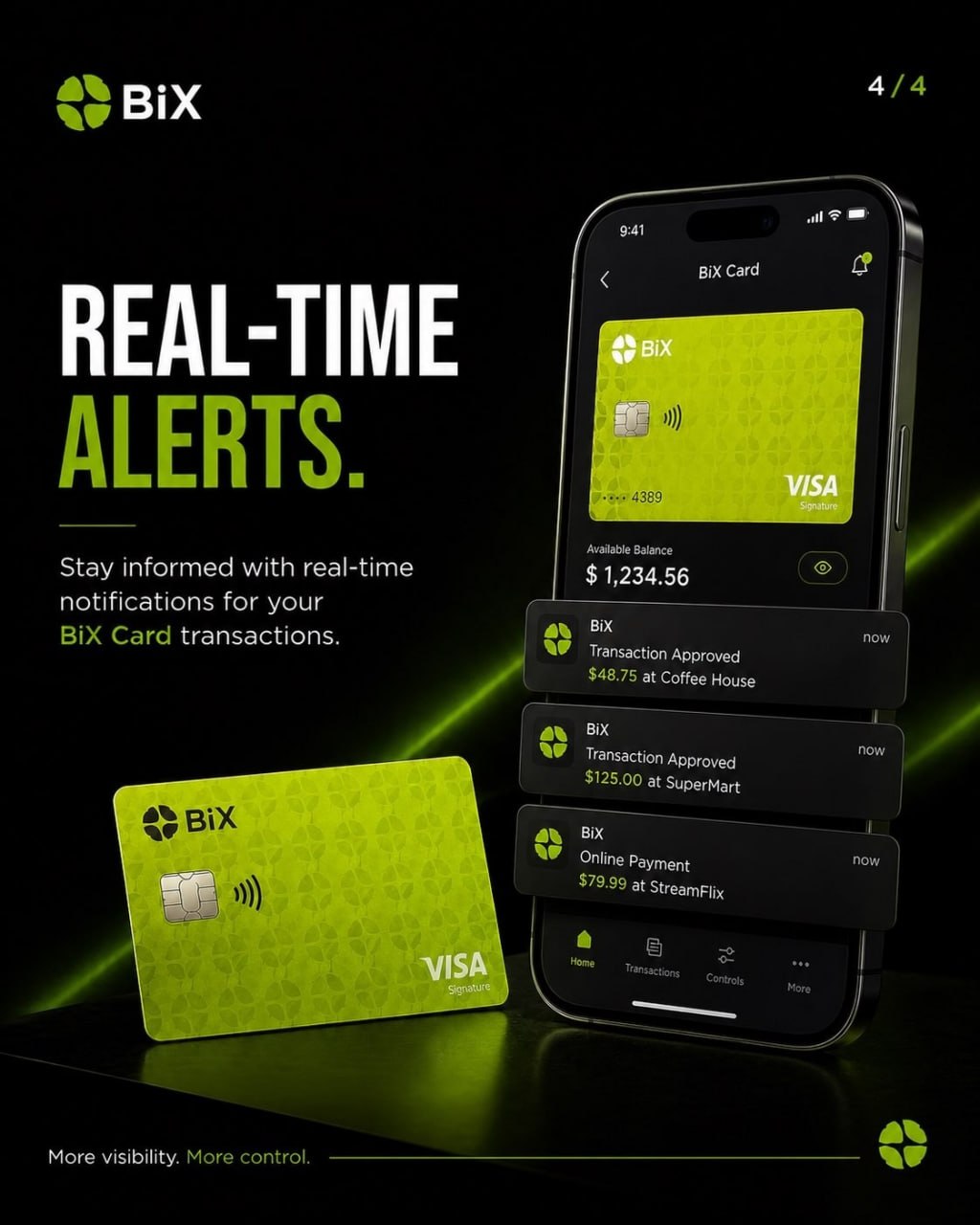
Straight talk
Check it yourself before you commit.
I am a user of BIX, not the company behind it. Everything on this page comes from the official BIX site and the app listings, and the wording there can change at any time.
Self custody means you hold the keys. That is real freedom and real responsibility: if you lose your recovery information, no support desk can restore your funds for you.
Crypto values move, networks charge fees, and card availability, limits and benefits vary by country. Read the terms, start small, and never send funds you cannot afford to have tied up. Nothing here is financial advice.
Crypto payments accepted
Settle in real time with blockchain, no bank waiting room.
Pay for consulting, builds or the crypto course in USDT on the Tron network. Money moves in seconds, fees are cents, and you keep a permanent public receipt of the transfer. The wallet and card I use day to day is BIX, so if you want the same setup you can see how it works before you send anything.
- 1
Open your wallet
Use the BIX app or any wallet that supports USDT on the Tron network. Choose send, then select USDT.
- 2
Scan or paste
Scan the code on this page or copy the address below. Confirm the network says Tron before you continue.
- 3
Send the amount
Send the agreed amount in USDT. Transfers usually settle in under a minute and fees stay very low.
- 4
Email the receipt
Take a screenshot of the confirmation and email it to hello@checkyuhboy.app so your payment is matched to your project right away.
Scan to pay
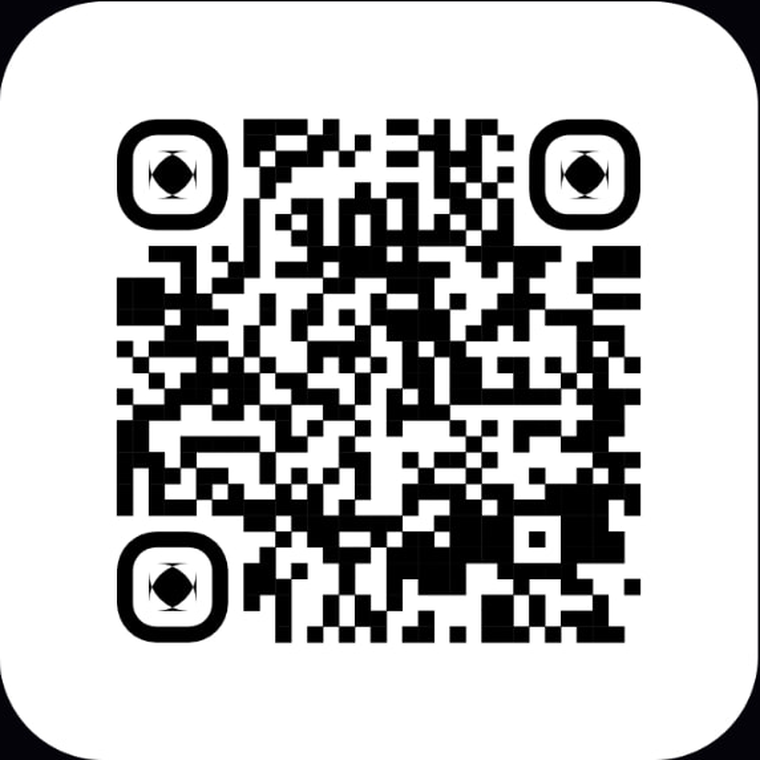
Network
Tron (TRC20) · USDT only
Wallet address
TSuxg4yQC3YwYQobkw5a1vydfQwLQcCzj5
Send USDT on the Tron network only. Anything sent on another network or in another asset can be lost permanently. Blockchain transfers cannot be reversed, so check the address and the network before you confirm.